Command bar
⌘T searches open tabs, the archive and history. gh, npm, mdn and caniuse shortcuts; paste a JWT or a timestamp to decode it.
Real Chromium with Spaces, Peek and Split View. Tell the agent what you want done, and it reads, clicks and types in your tabs. It asks before anything that matters.
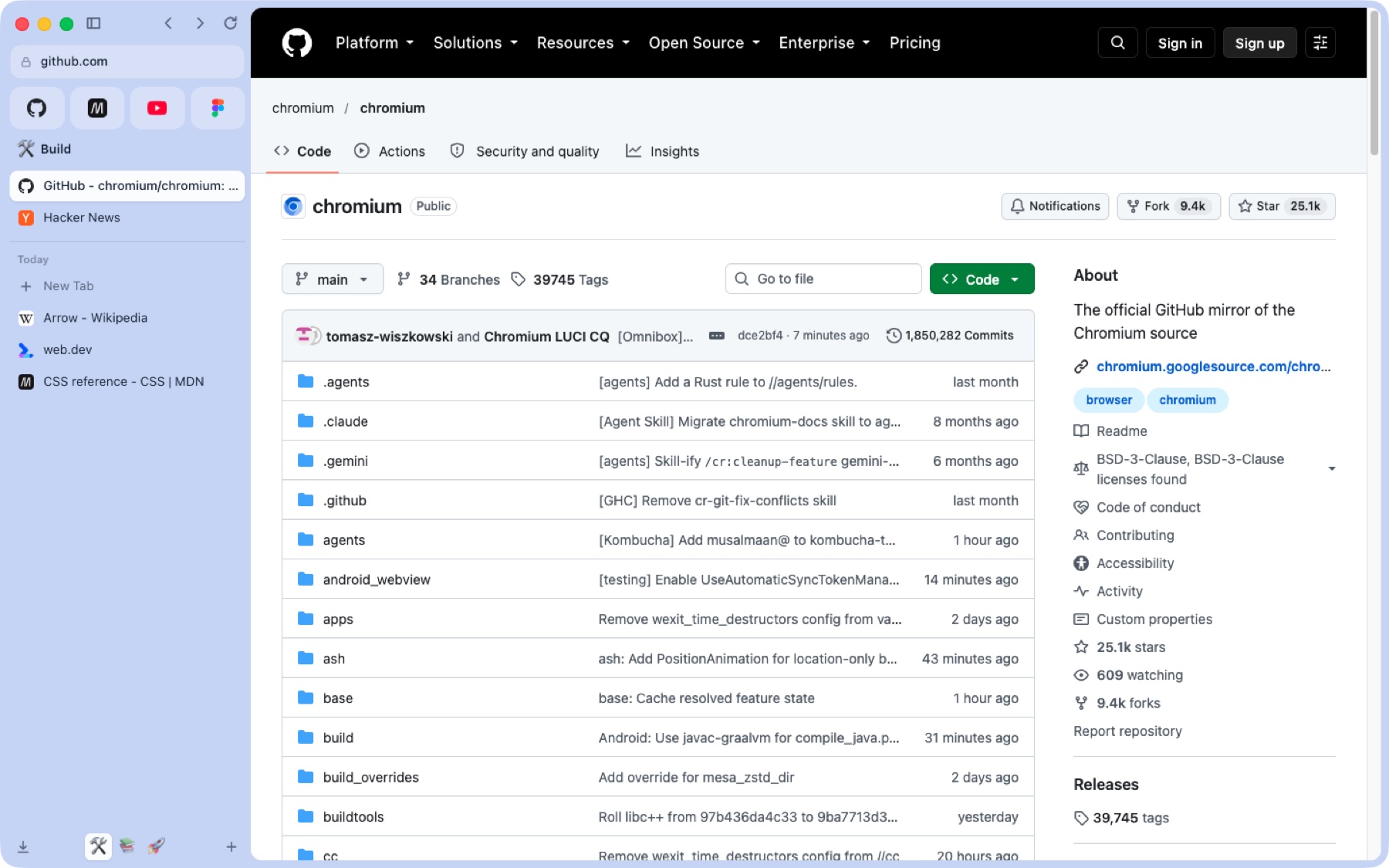
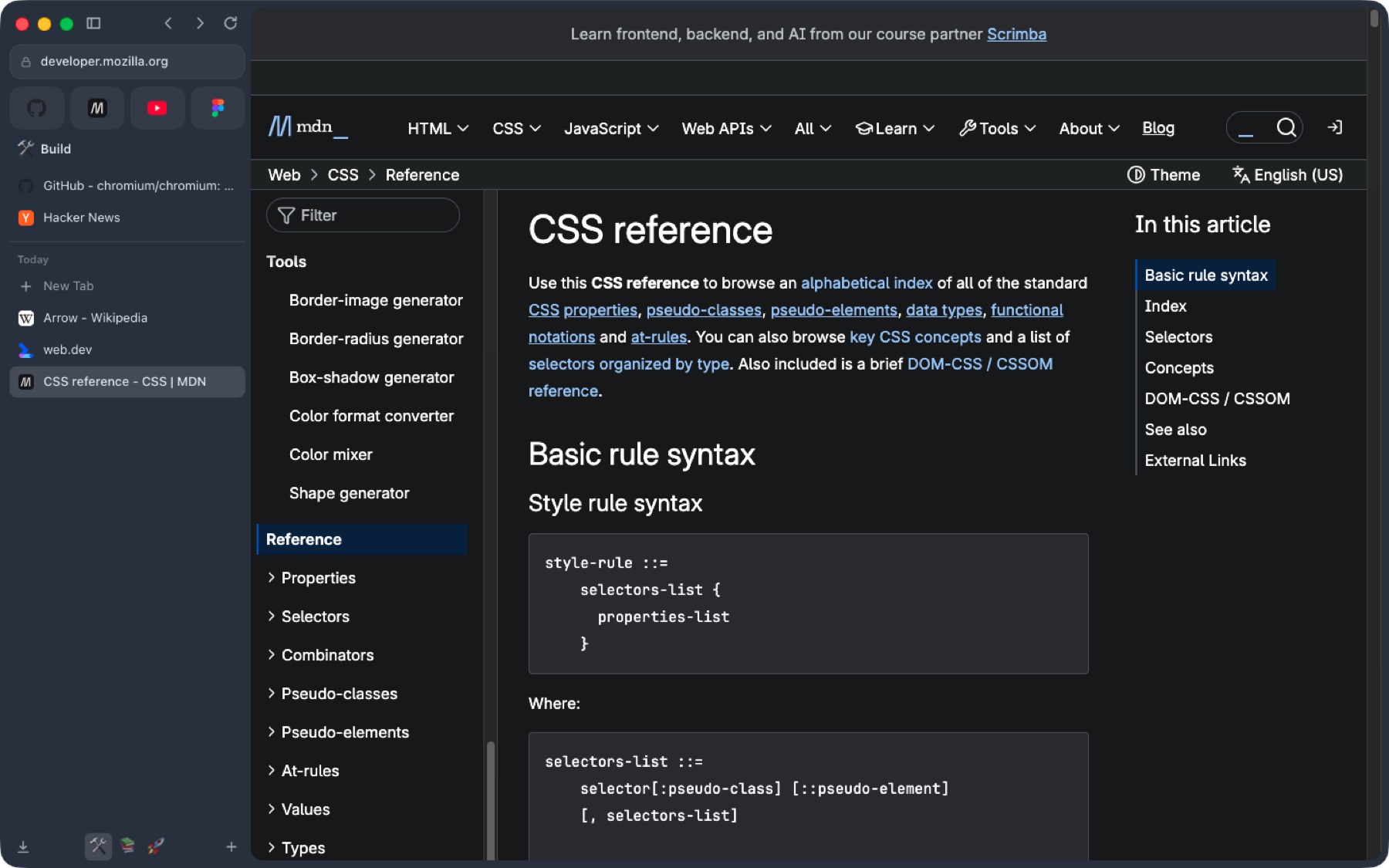
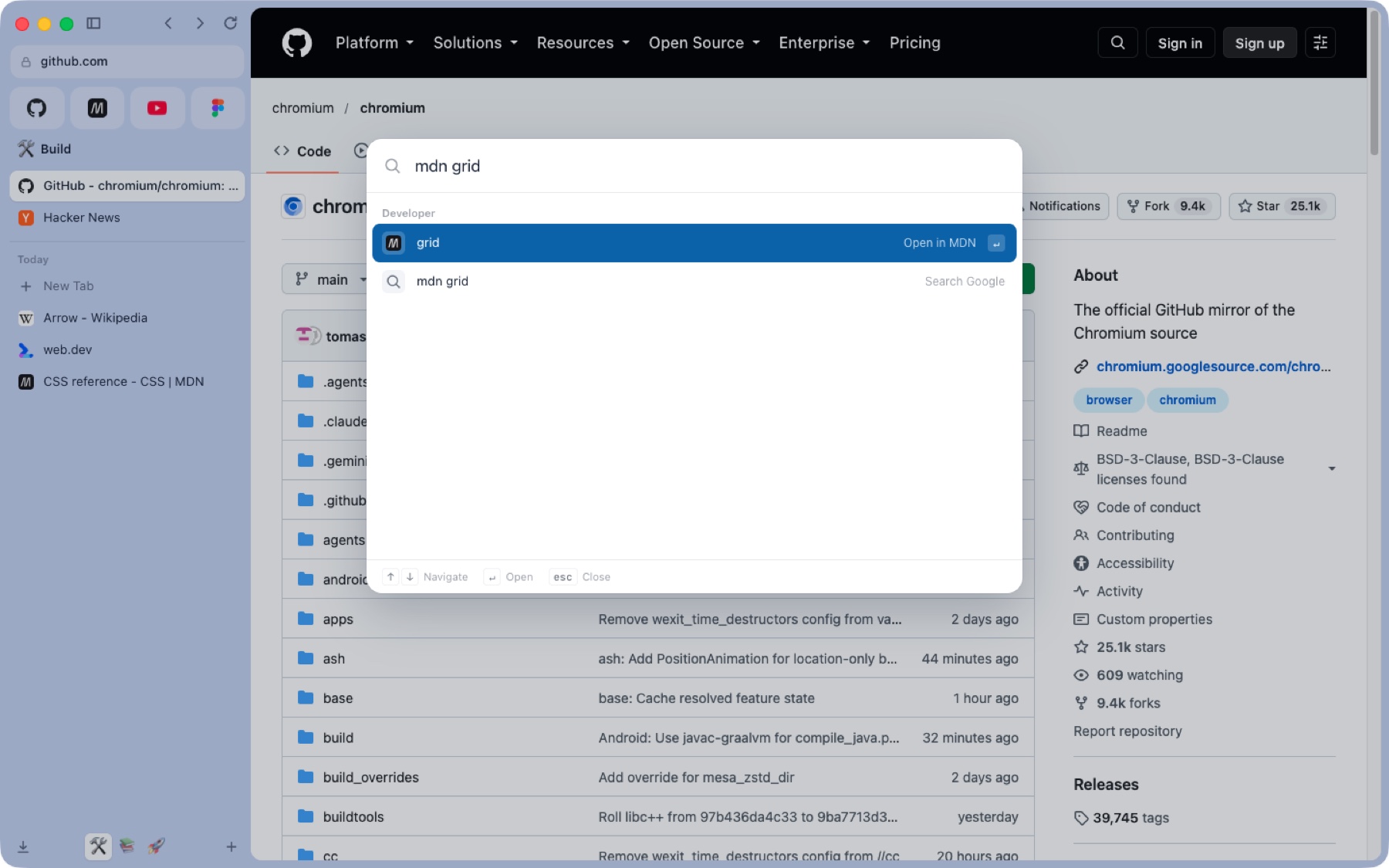
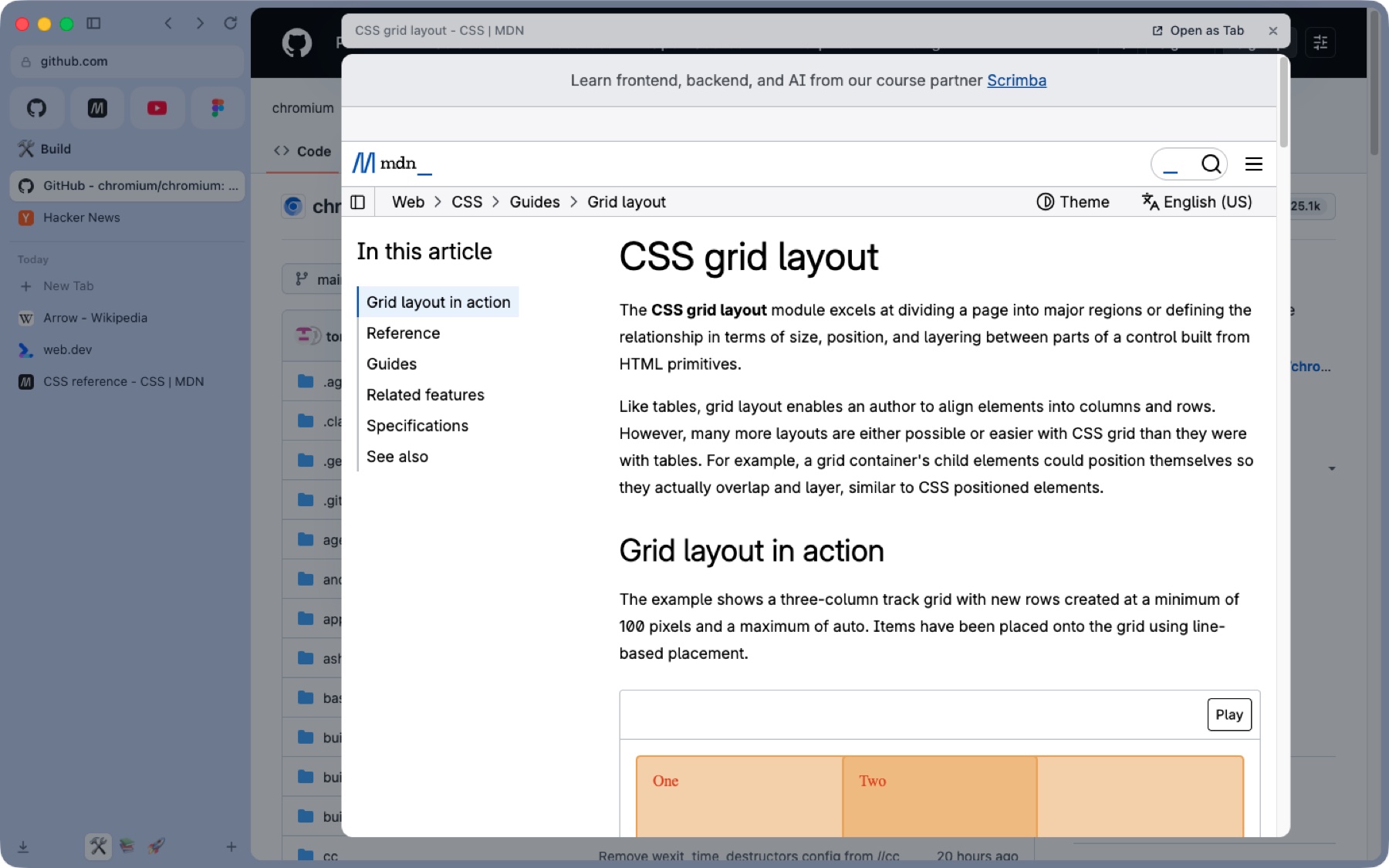
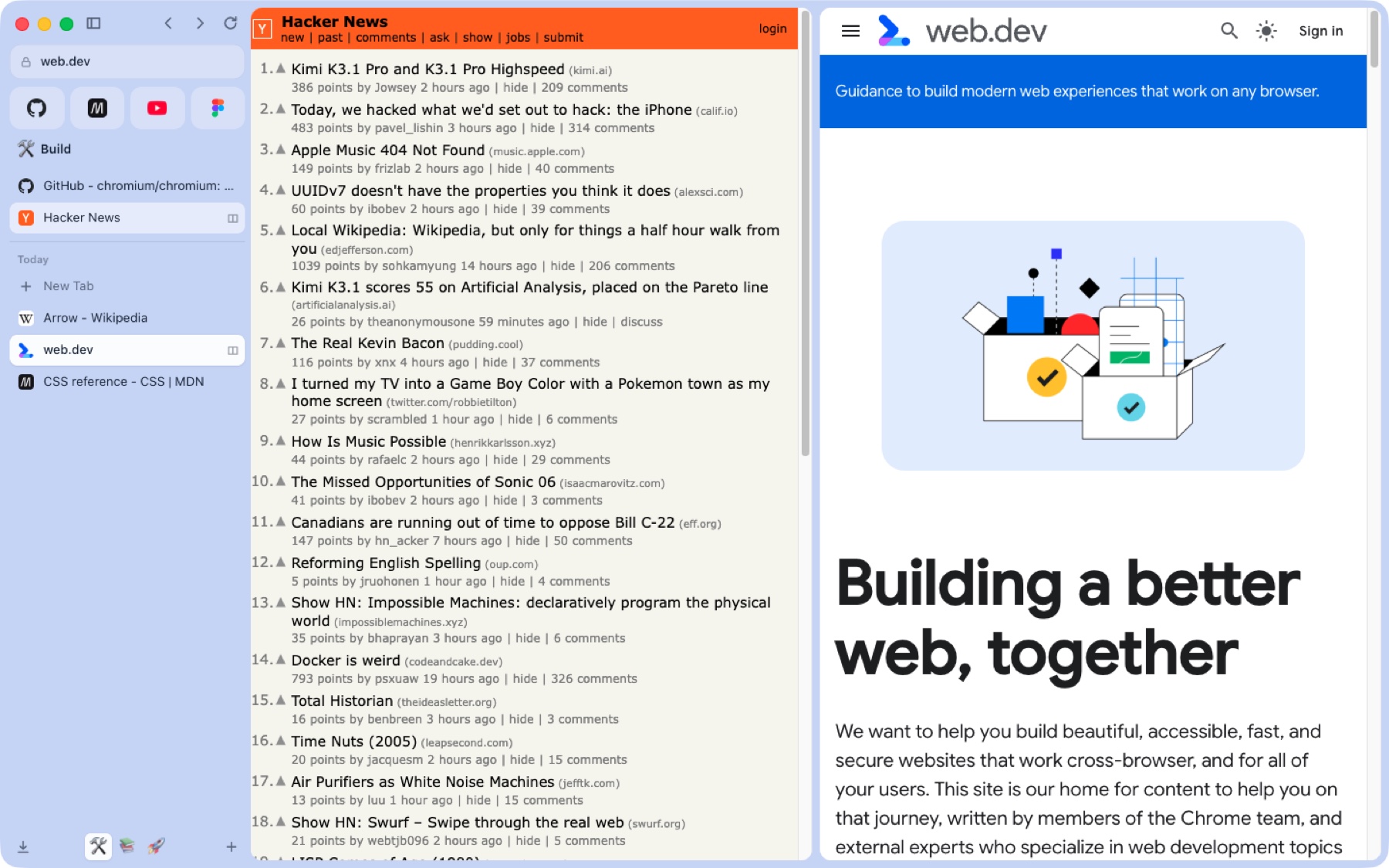
Real screenshots. The agent cursor is showing you around.
The agent panel · ⌥⌘A
It works in your real, signed-in tabs: reads the page, scrolls, clicks, types and switches tabs, and every step shows up in the panel. Stop or take over whenever you like.
Top departing flights
Ranked based on price and convenience · Prices include required taxes + fees for 1 adult.
A replay of a run, slowed down: running the search waited for an Allow. Google Flights is shown as an example site. Anus Browser isn’t affiliated with Google, and the fares are made up.
Everything Arc taught us, rebuilt
⌘T searches open tabs, the archive and history. gh, npm, mdn and caniuse shortcuts; paste a JWT or a timestamp to decode it.
A colour and an emoji per context, with separate cookies when you need to be two people. ⌃1–⌃9.
Links from pinned tabs float in a preview. Esc closes it, Open keeps it.
Two pages side by side. ⌃⇧= to split, ⌃⇧- to leave.
Dana Let's ship the sidebar fix Friday.
Sam I'll take the release notes.
Sam writes the release notes
Record and transcribe a call, on this Mac or with OpenAI. Get summaries, decisions and actions. Invite an AI assistant to join as a visible participant when you want a hand.
Watch the meeting demosGive a companion a role, memory and a schedule. Every run opens a chat record, and anything that sends or changes something still waits for you.
Ask for a chart, table or one-pager and keep editing it in the chat.
See where your attention goes. Explore your browsing topics and ask what you’ve been learning, with on-device analysis.
Explore Algorithm Dietexample.com
you@example.comSave and fill logins with Chromium’s built-in manager. Import saved Arc passwords with macOS Keychain authorization.
A little help, in the room
Invite your assistant when you want another pair of ears. Record when you’re ready. Leave with the decisions, not a page of half-finished notes.
You choose when it joins.
It joins as a visible participant, follows the conversation and helps with the meeting. Invite it when you need a hand.
Tab audio + microphone · sample meeting
DanaLet’s give the homepage a little more room.
SamI’ll share a first design. Feedback by Friday?
DanaPerfect. Let’s keep the product front and centre.
Give the homepage room to breathe and lead with the product.
Share the first designSam
Collect feedbackBy Friday
From conversation to something you can use.
Record a call, follow the live transcript and get a summary with decisions and action items. Choose a local or cloud transcription engine.
Algorithm Diet · macOS + iPhone
Look beyond screen time. See what you read, watch and learn, with a nutrition label for your corner of the internet.
8h 30m · example week
A little more learning.For your mind. Points out of 10.
A food-label metaphor for your browsing habits.
Learning and building took the largest share of this sample week. Long reads made a little room for deeper thinking, too.
Interactive illustration · sample data, inspired by the native apps.On-device analysis. Your browsing stays yours.
A new browser. Your familiar setup.
Import during onboarding or later in Settings. Spaces, nested folders, favourites, pinned tabs and open tabs land in their places. History and saved passwords come too.
Anus Browser for iPhone In development
The same idea of a calmer browser, built for your thumb. Native on iPhone, with floating controls that give the page room to breathe.
Desktop agent control and meeting features aren’t available on iPhone yet.
Explore social apps & extensionsTime-weighted points · sample data
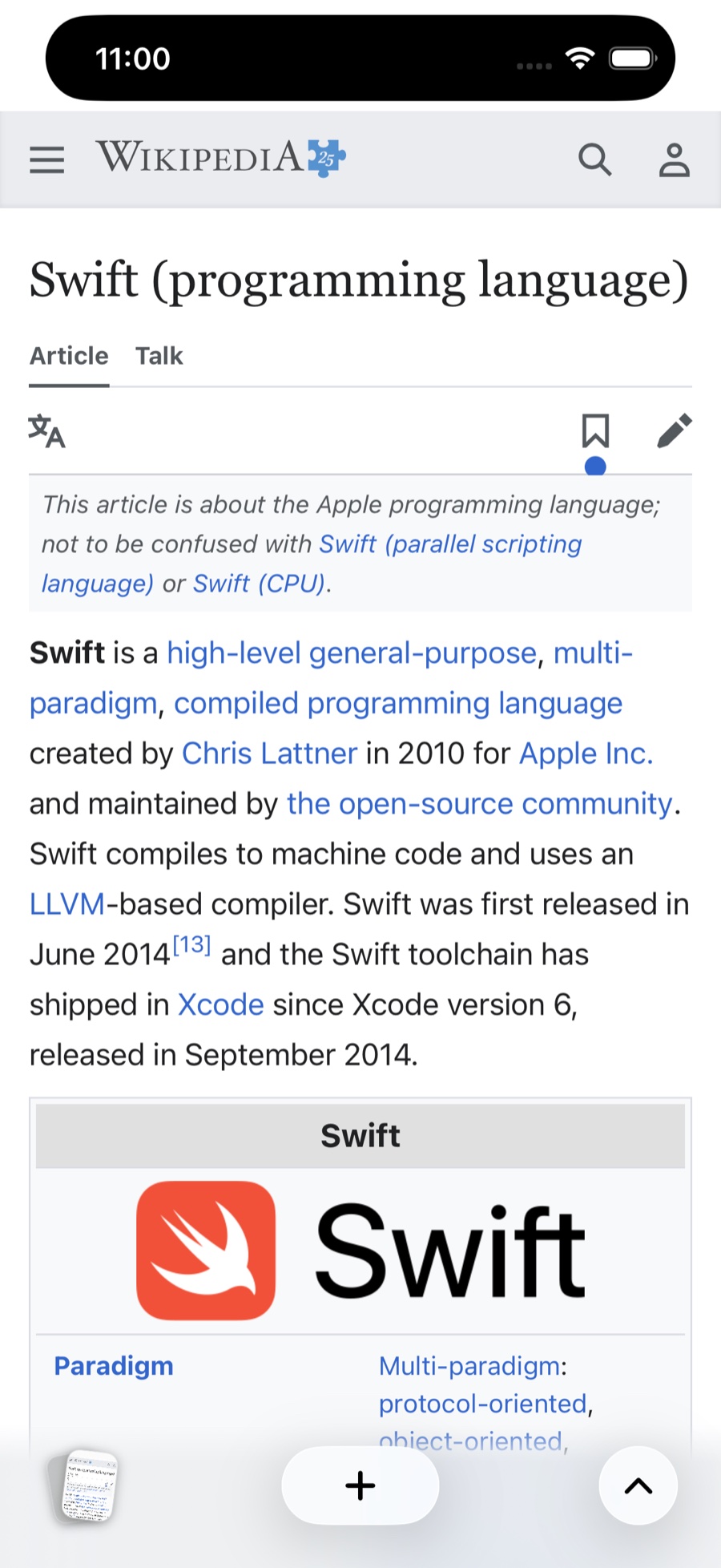
Native browsing screenshot and app-inspired Algorithm Diet illustration with sample data.
Made for people who build the web
Running locally
Keyboard first
Not Electron. Not a wrapper.
Google sign-in works, extensions install from the Chrome Web Store, and DevTools is DevTools. On top sits a shell written from scratch, and a small native helper that keeps your AI and your data on your Mac.
Asks before it acts
Each of these stops and waits for an Allow in the panel. Stop and Take over end a run instantly.
Pricing
We don't sit between you and the model. The agent runs on what you already pay for, or on your Mac for nothing.
Browser
$0 forever
Everything that makes it a browser.
DownloadAgent on your ChatGPT plan Easiest
$0 extra
Sign in with ChatGPT in Settings › AI.
DownloadYour key, or this Mac
Usage or $0 local
An OpenAI API key, billed by OpenAI, or a local model.
DownloadFAQ
Yes. The browser is free. The AI features use your own ChatGPT plan, an OpenAI API key, or a model running on your Mac.
Yes. During onboarding or in Settings › Import, bring Arc Spaces, colours, nested folders, favourites, pinned and open tabs, history and saved passwords. Arc password import needs macOS Keychain authorization. Chrome import is available too.
On macOS, yes: extensions install straight from the Chrome Web Store. iPhone extension support is planned, along with focused social web apps and controls for Shorts, Reels and recommended feeds.
Read, scroll, click, type into ordinary fields, navigate and switch tabs. Submitting, sending, buying, signing in, account changes, uploads, downloads and secrets all wait for your approval.
Apple silicon and Intel Macs. The app keeps itself up to date.
A native iPhone version is in development, with Spaces, tab cards, private browsing and on-device Algorithm Diet. The images above are from the app. Desktop agent control and meeting features aren’t available on iPhone yet.
Yes. Open Settings › General › Replay onboarding. It keeps your existing tabs, Spaces, passwords and other profile data.
Not yet. macOS first.
Open the dmg, drag it to Applications, and import your tabs. That's the setup.
Social apps, on your terms Planned
Keep the people.
Lose the rabbit holes.
Your favourite socials, with a healthier set of defaults. Dedicated web apps where you can change the page, switch off the distractions and make room for what you came for.
A little more of what you chose.
Shorts hidden · suggestions hidden · autoplay off
Interactive concept with sample content. Social web apps, these feed controls and iPhone extensions are planned; this is a preview of the direction.
Apps without the pull.
Planned focused web apps for YouTube, Instagram and more. Keep the useful parts; hide Shorts, Reels and recommended feeds.
Change the HTML.
Edit what a site shows you with HTML, CSS and page scripts. Desktop Boosts are available today; simpler social controls are planned for Mac and iPhone.
Extensions welcome.
Install Chrome Web Store extensions on macOS today. We’re planning extension support on iPhone, too, so your browser can do more on a smaller screen.